
Upload
{% stepper %}
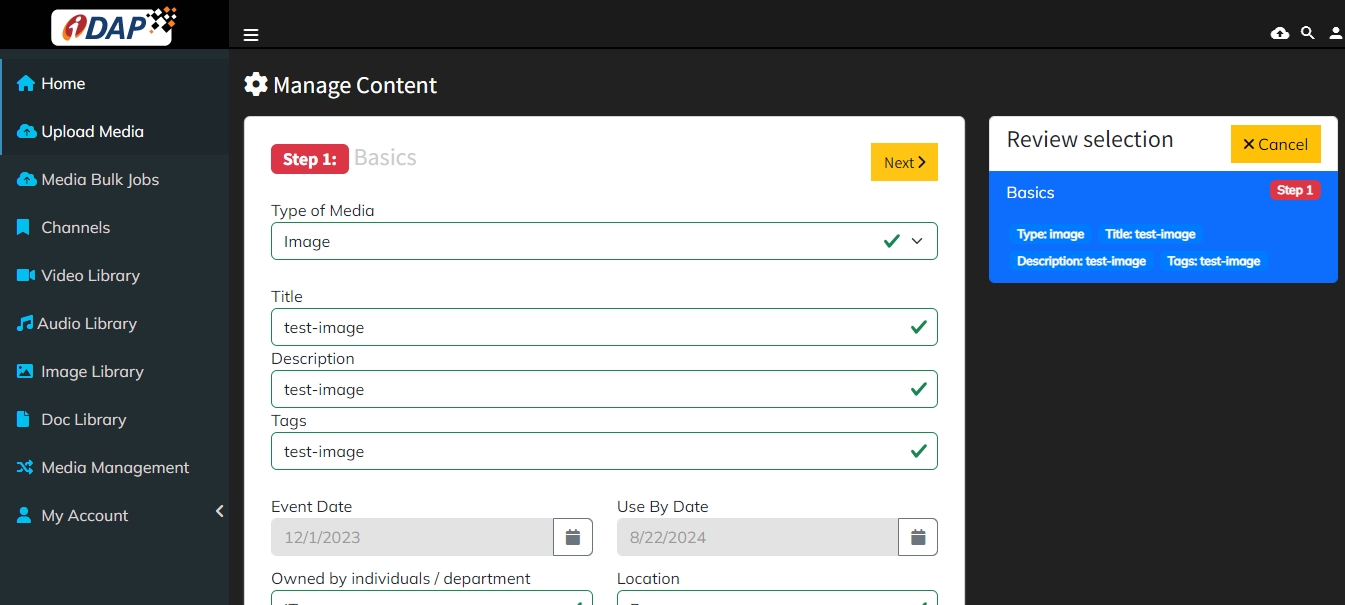
Select media type
Select Type of Media as Video, Audio, Image, Document or YouTube.
{% step %}
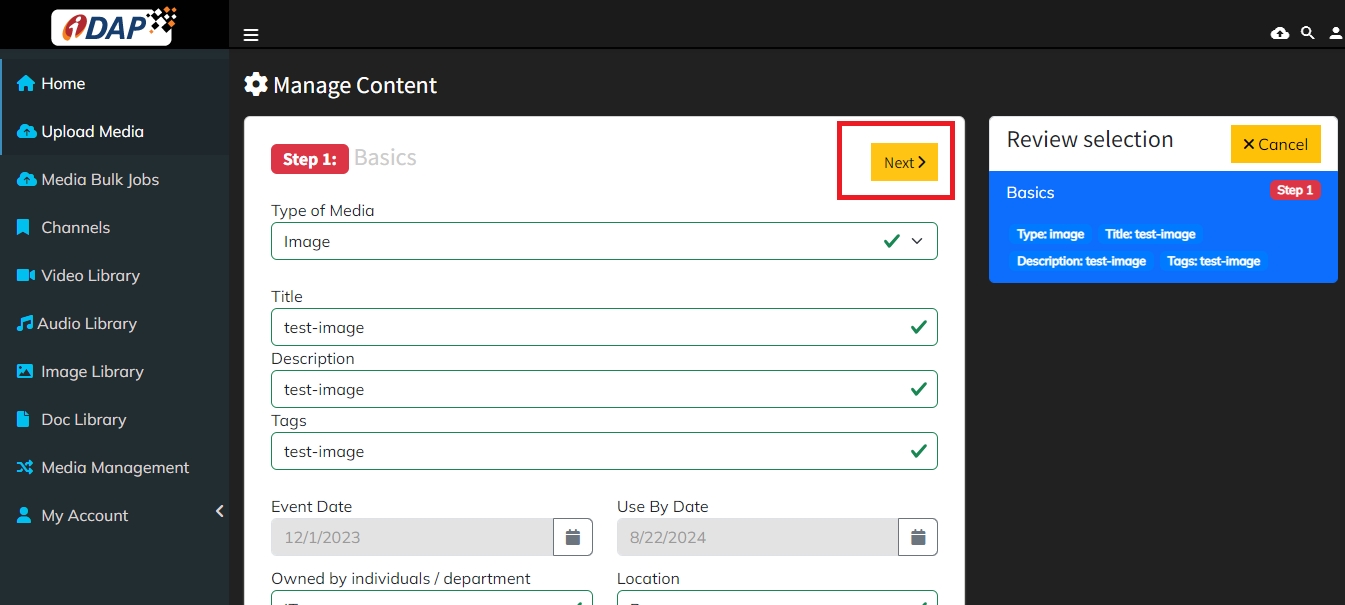
Fill in the media details
Fill in all fields with relevant information and click the Next tab.
{% step %}
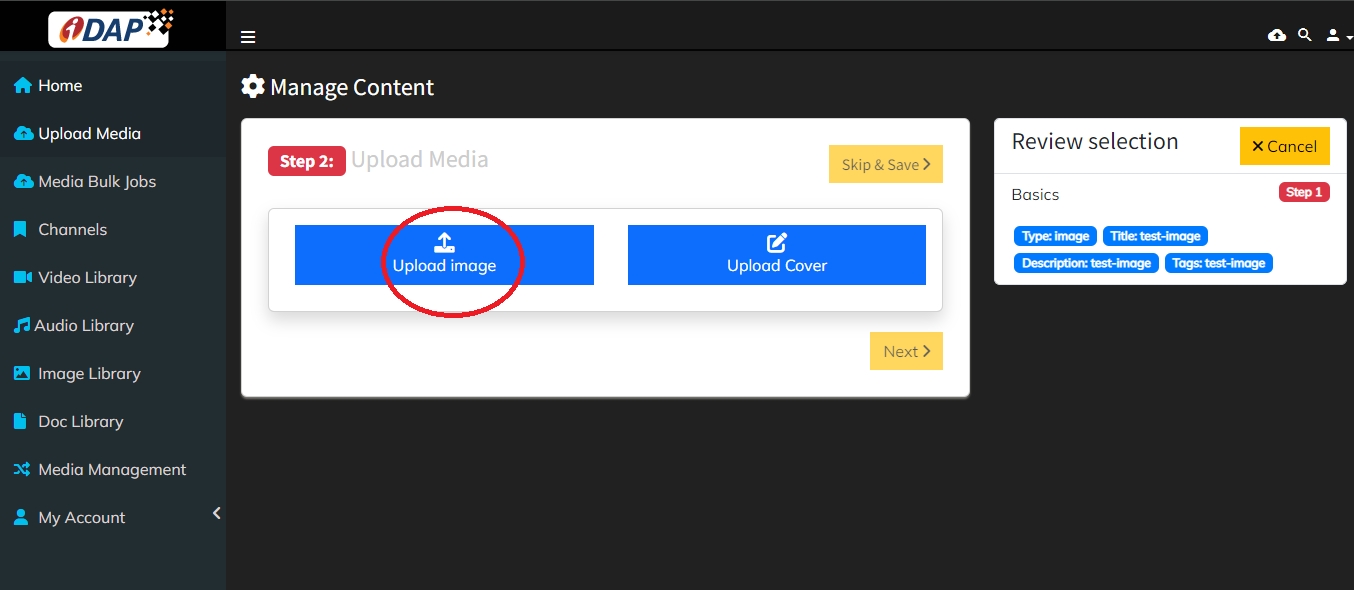
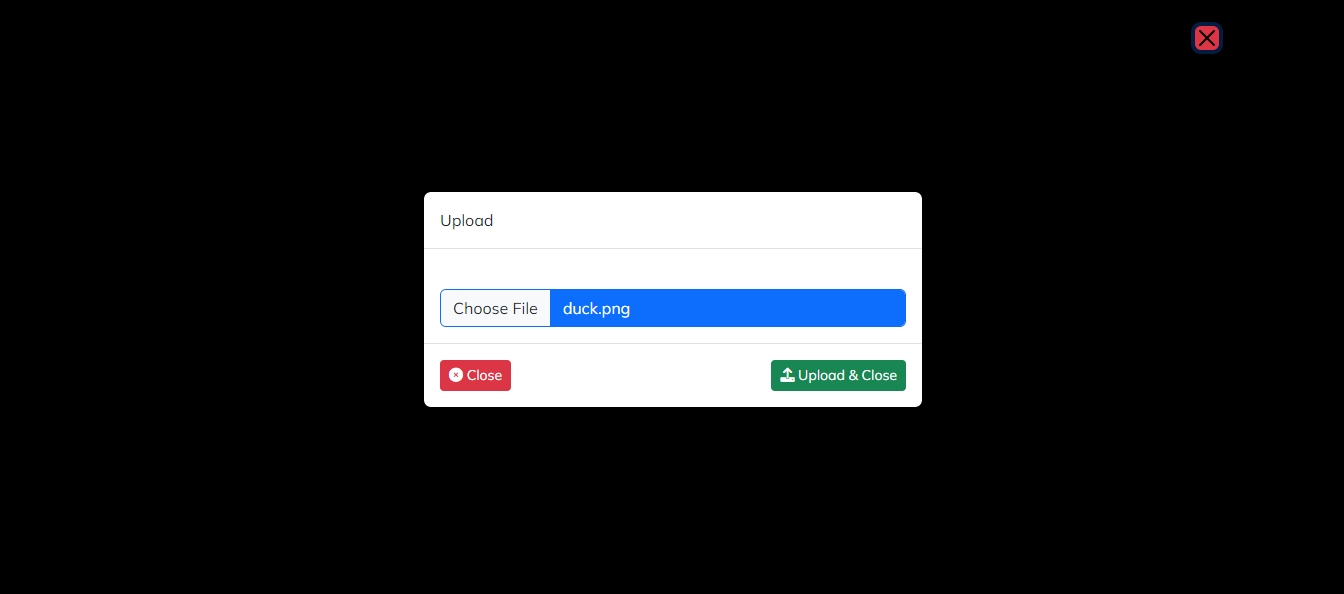
Upload media
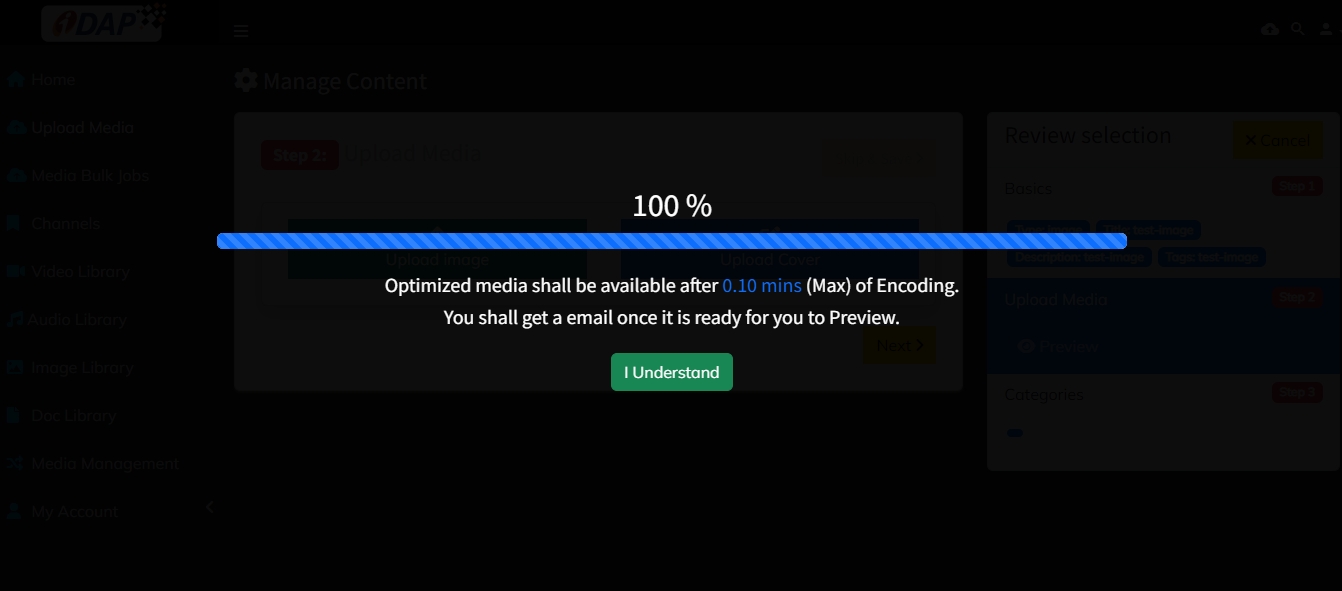
User can upload media by clicking on the Upload Media tab.
{% step %}
Select channel
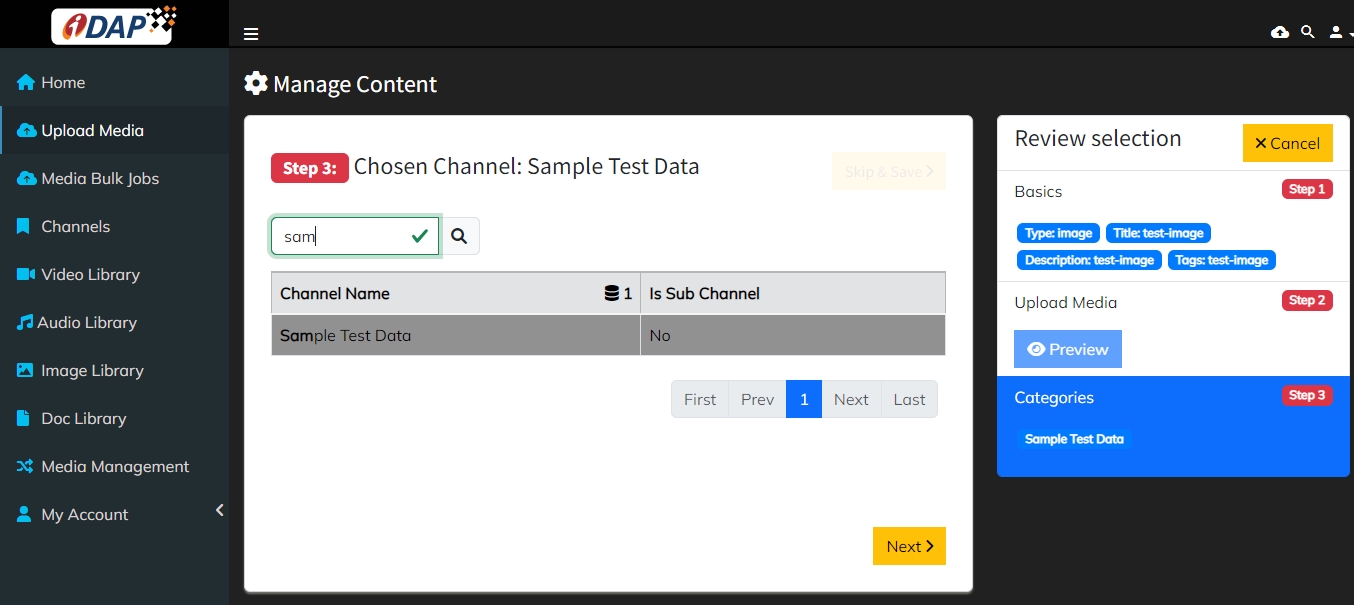
Select the Channel in which the media is to be uploaded.
{% step %}
Fetch groups
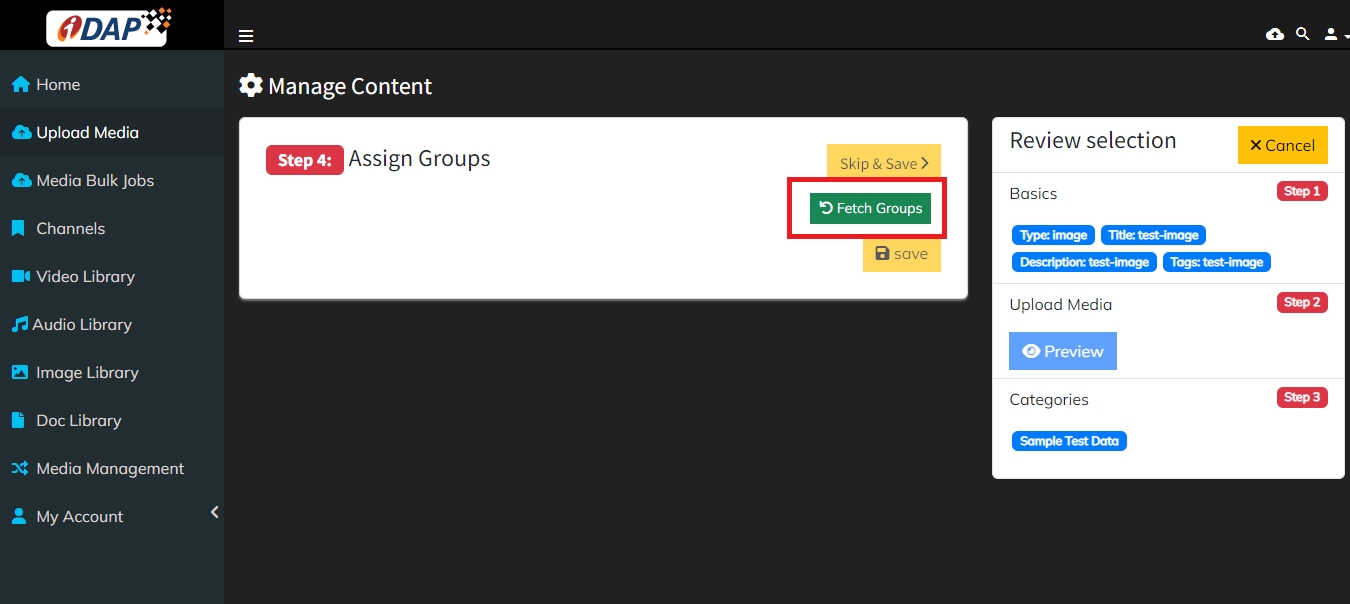
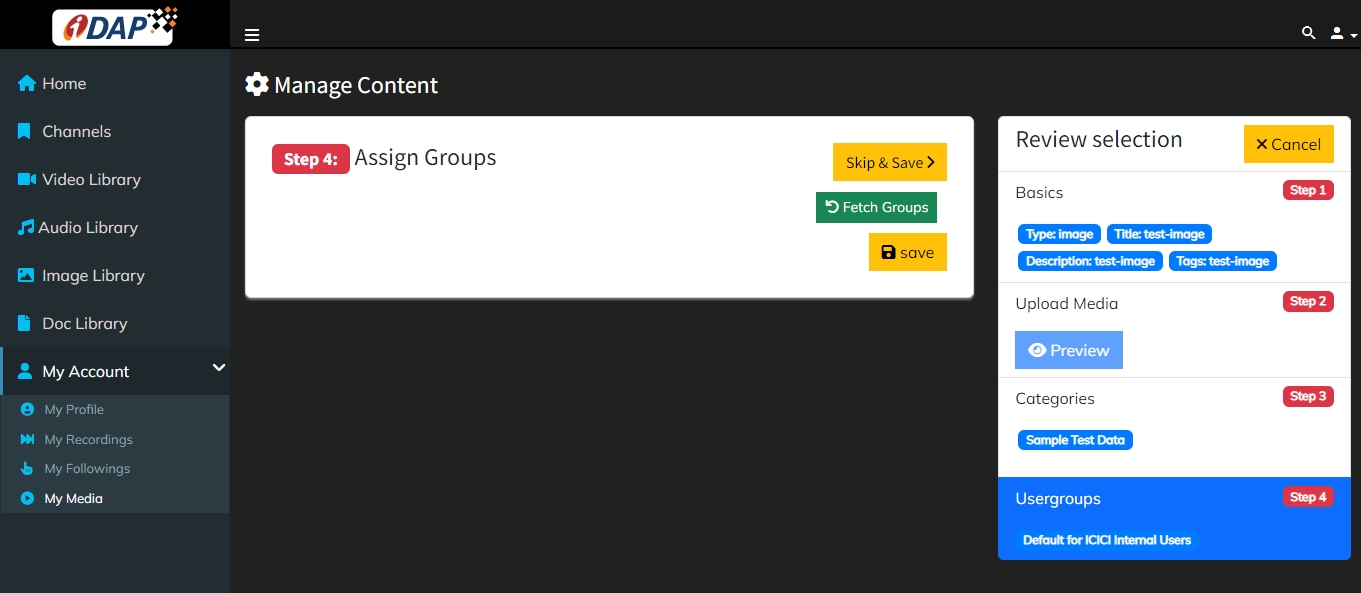
For selecting groups click on the Fetch Groups tab.
{% step %}
Reset channel or groups
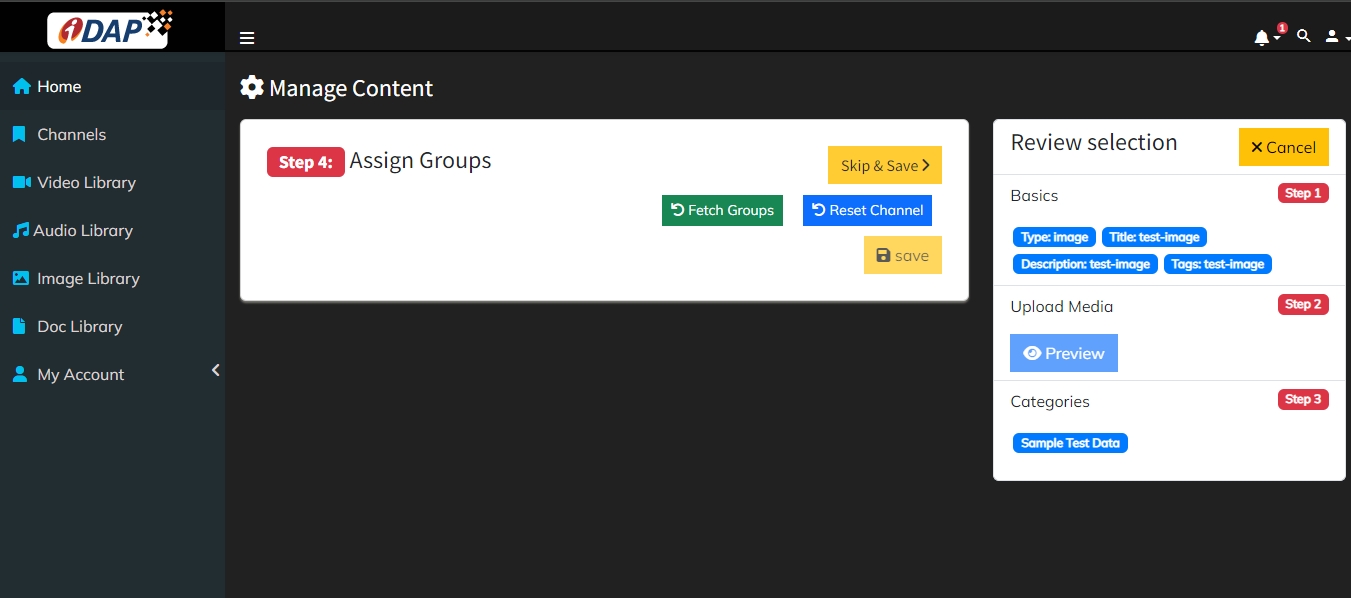
To reset selected user groups/Channel, click on Reset Channel and select a new channel again.
{% step %}
Save and approval
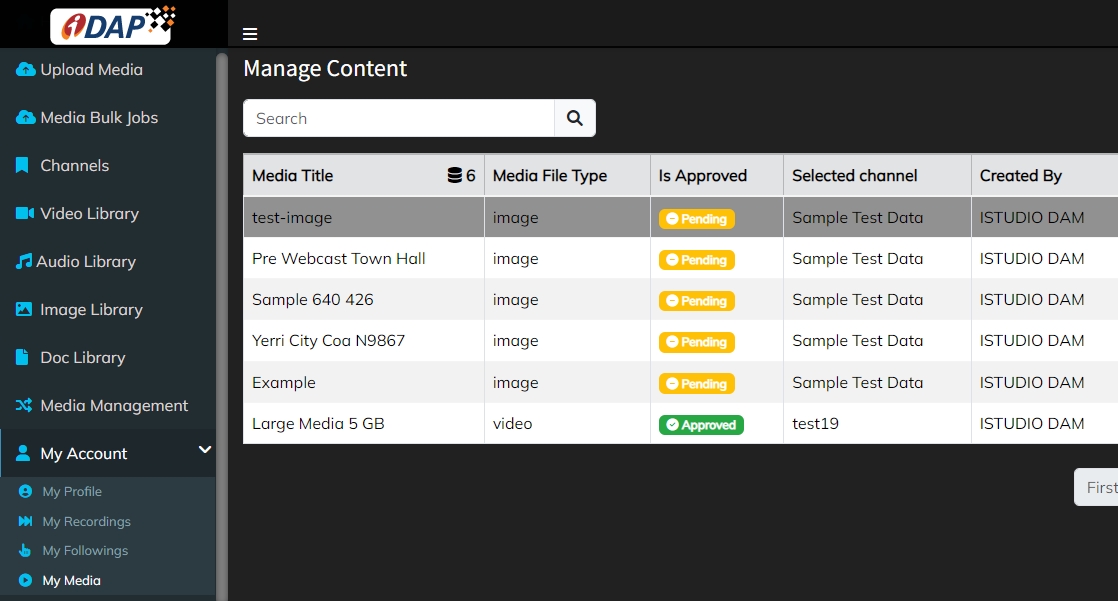
By clicking the Save button the media is uploaded successfully and sent to admin for approval. It appears in "My Media".
{% step %}
Admin approval and library
After admin approval the media is displayed in the Library.
Note: Video will display after it is played. {% endstep %}
Last updated 1 year ago.