External User Access - 2
Non-ICICI users, also referred to as external users, must follow the steps below to generate their BAN ID in order to access the application.
- Create a BAN ID for external user by raising a request in NEES application, and get the password created for the BAN ID.
- Ask the user to configure the Bank’s email ID on their mobile device.
- Configure external mail access on the created BAN ID by raising a ServiceNow request using the following path:
IT process Management>Mail related request>External mail access. - Raise a CREATE ID LAM request for iDAP application access.
- User will get the welcome mailer on the created BAN ID post LAM approval.
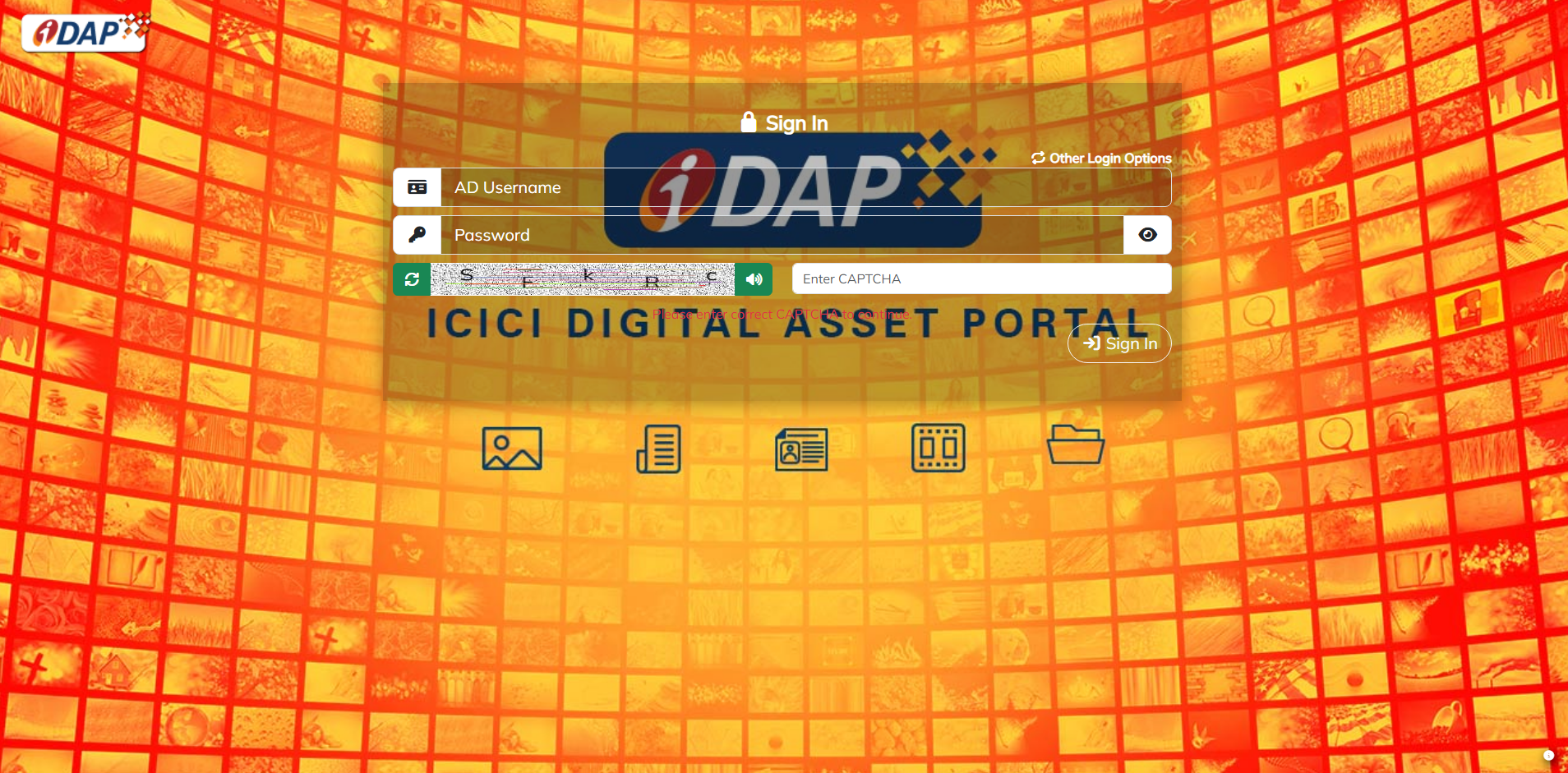
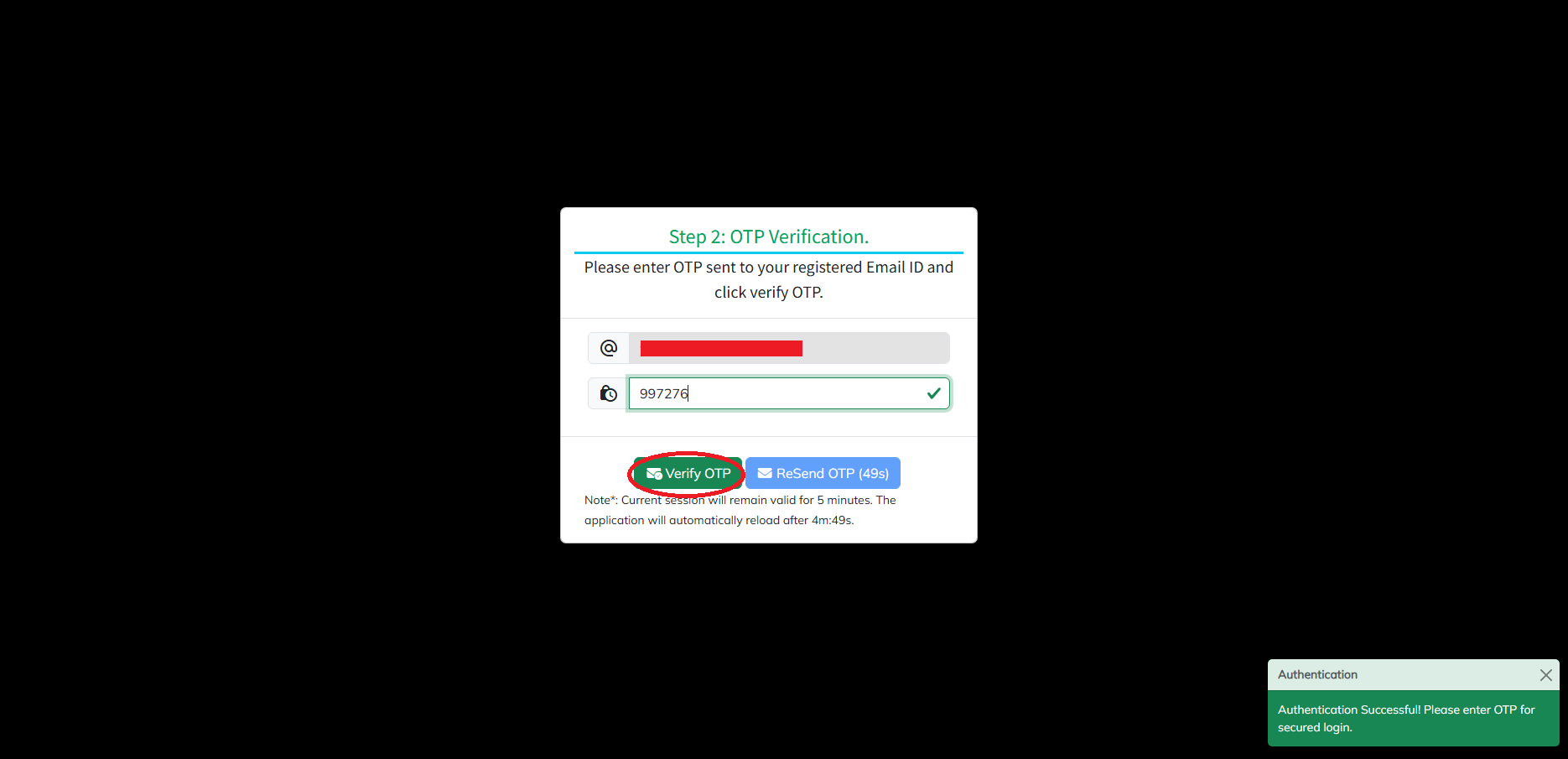
- User can login to the application by using BAN ID and password.
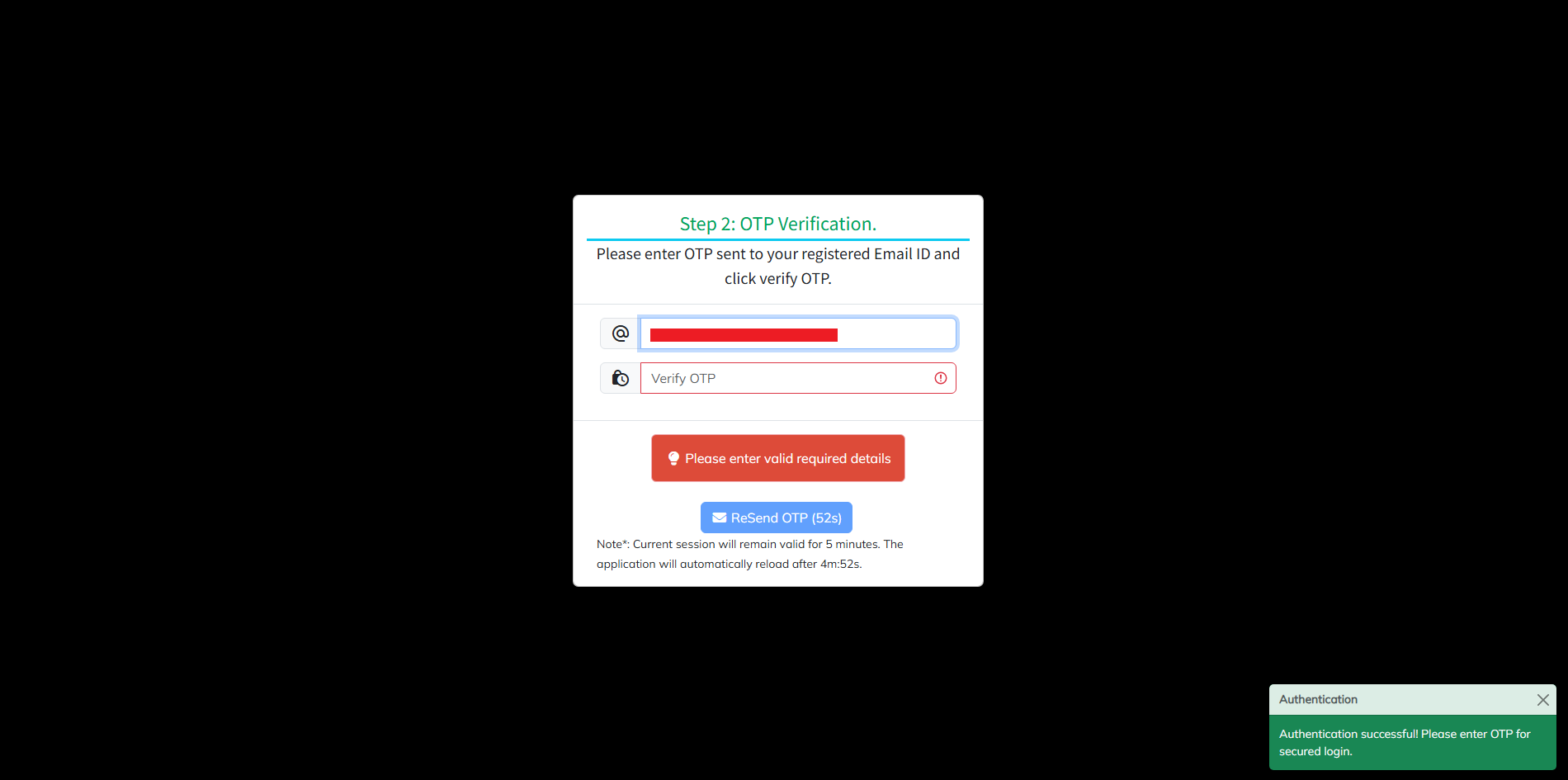
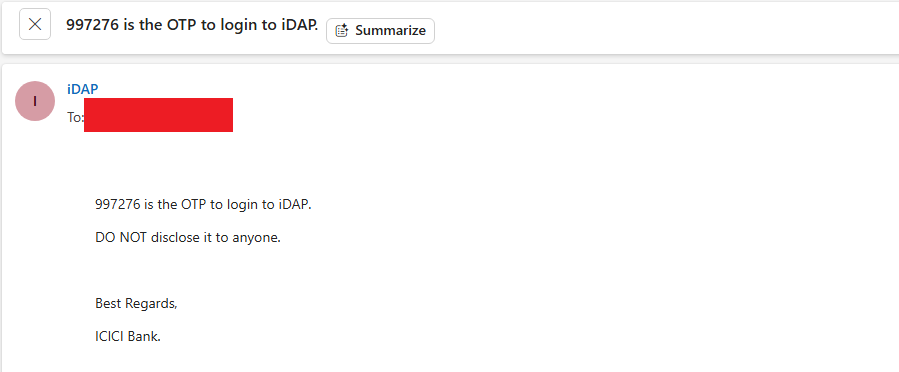
- On successful password and CAPTCHA authentication, user will receive the OTP on the Bank’s email ID
- User will be able to login into iDAP post successful authentication with OTP.