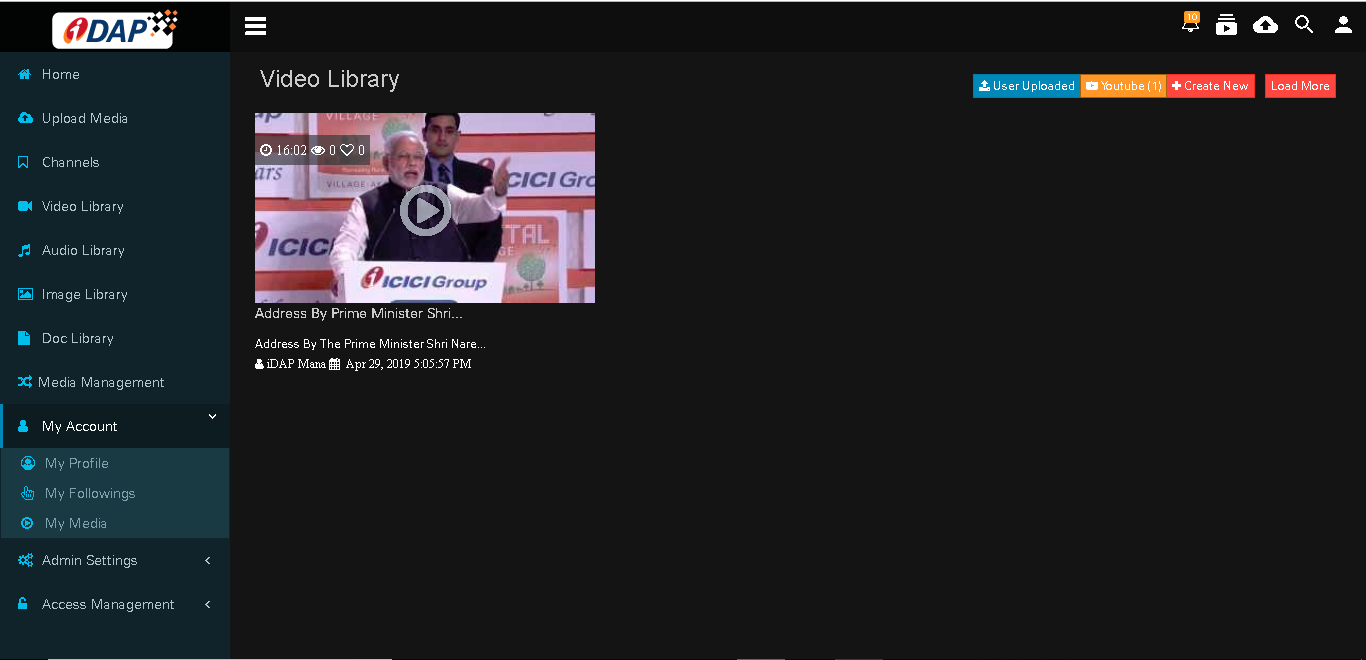
Upload Youtube Video
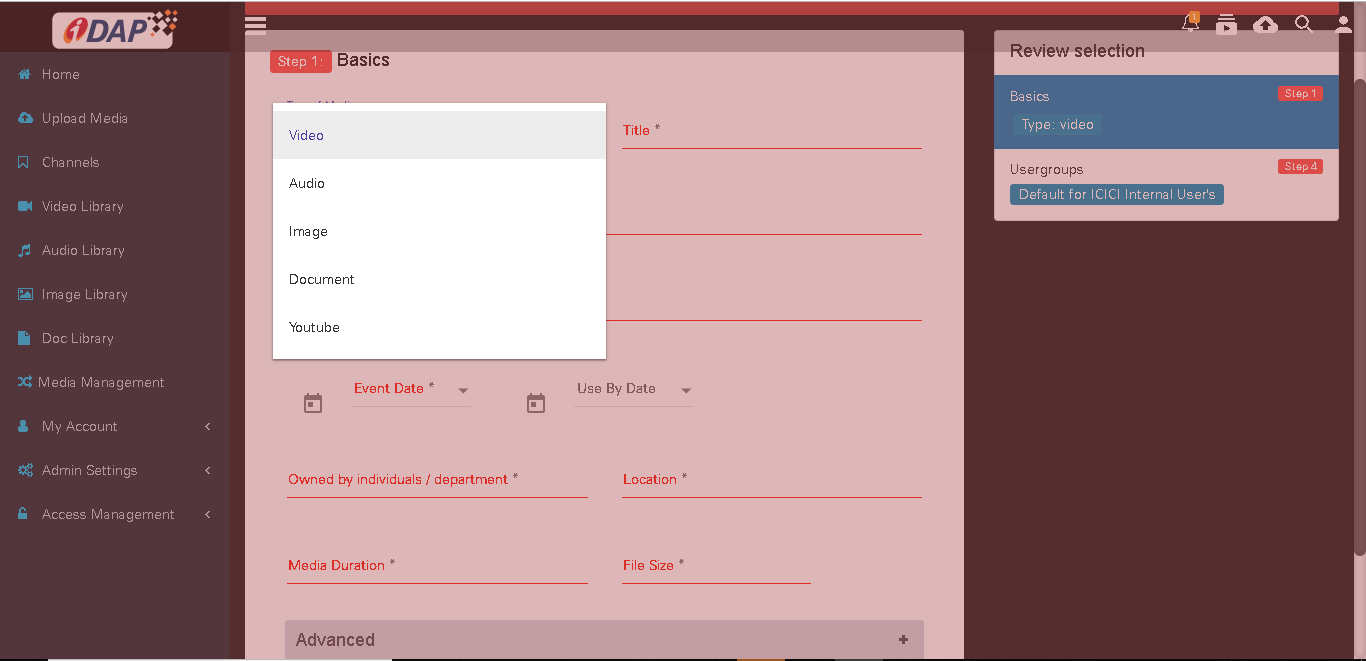
Select Type of Media as ‘Youtube’
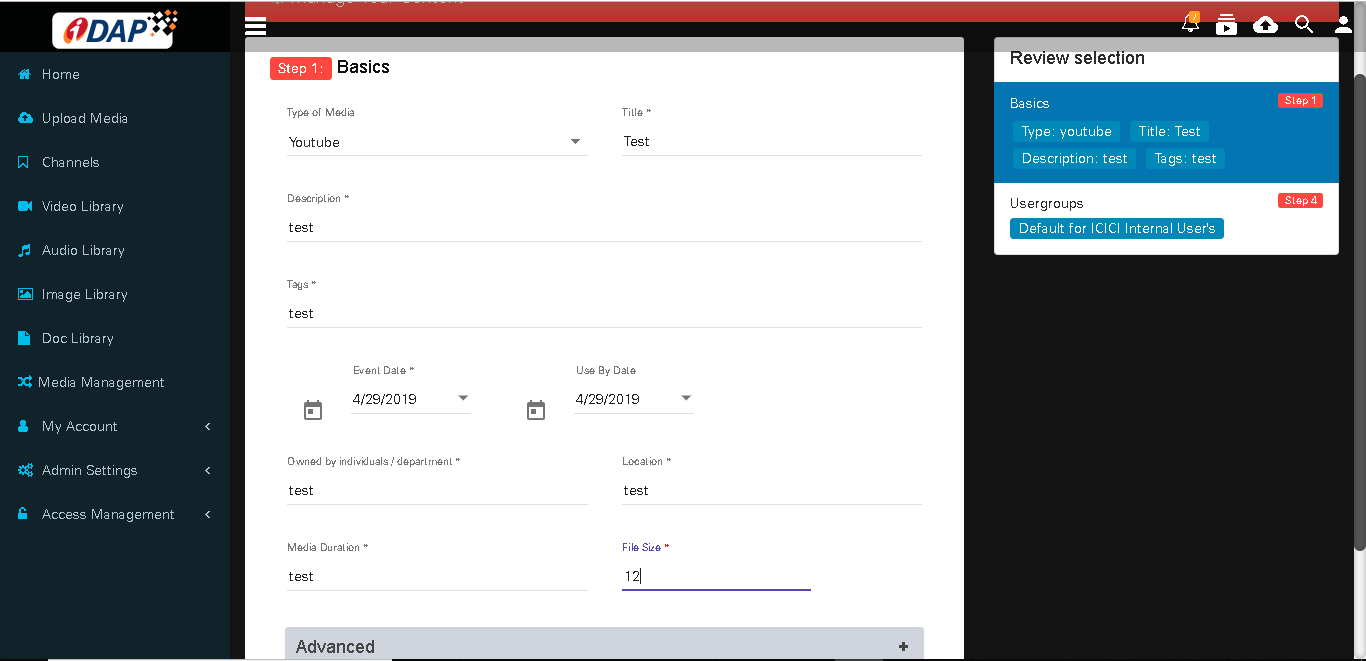
Fill all relevant information and click on Next
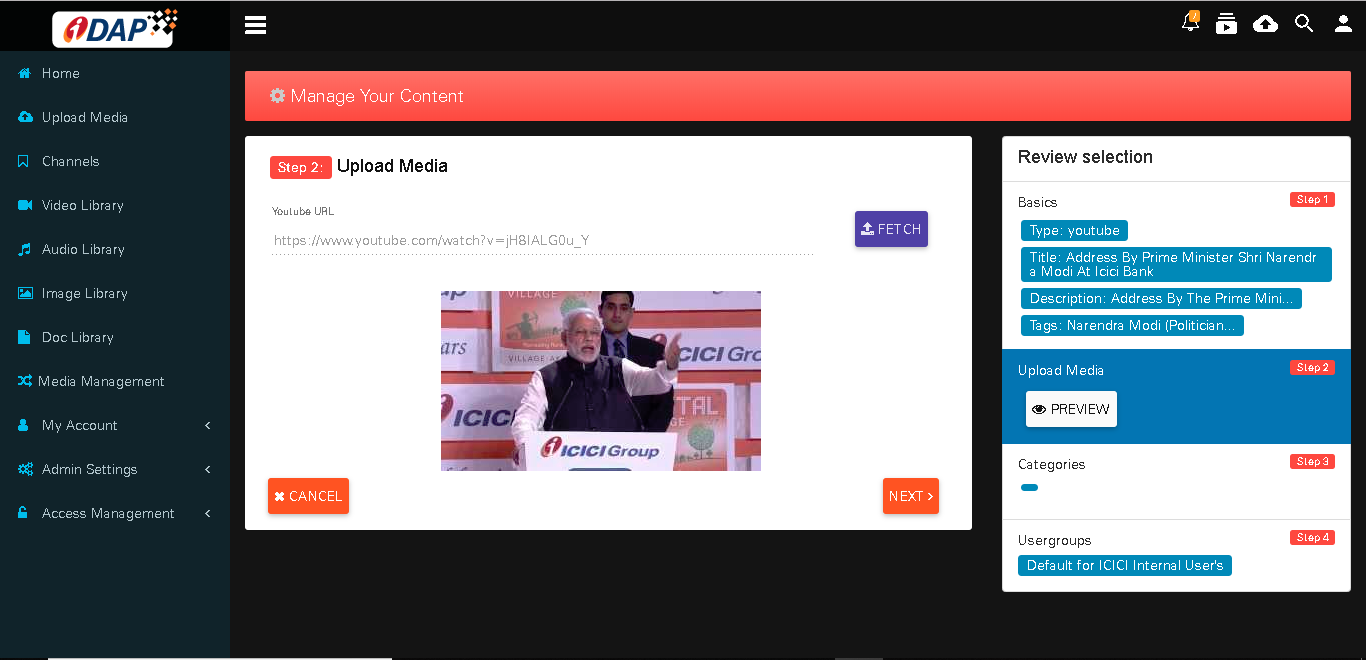
Paste URL of the video from Youtube and Fetch
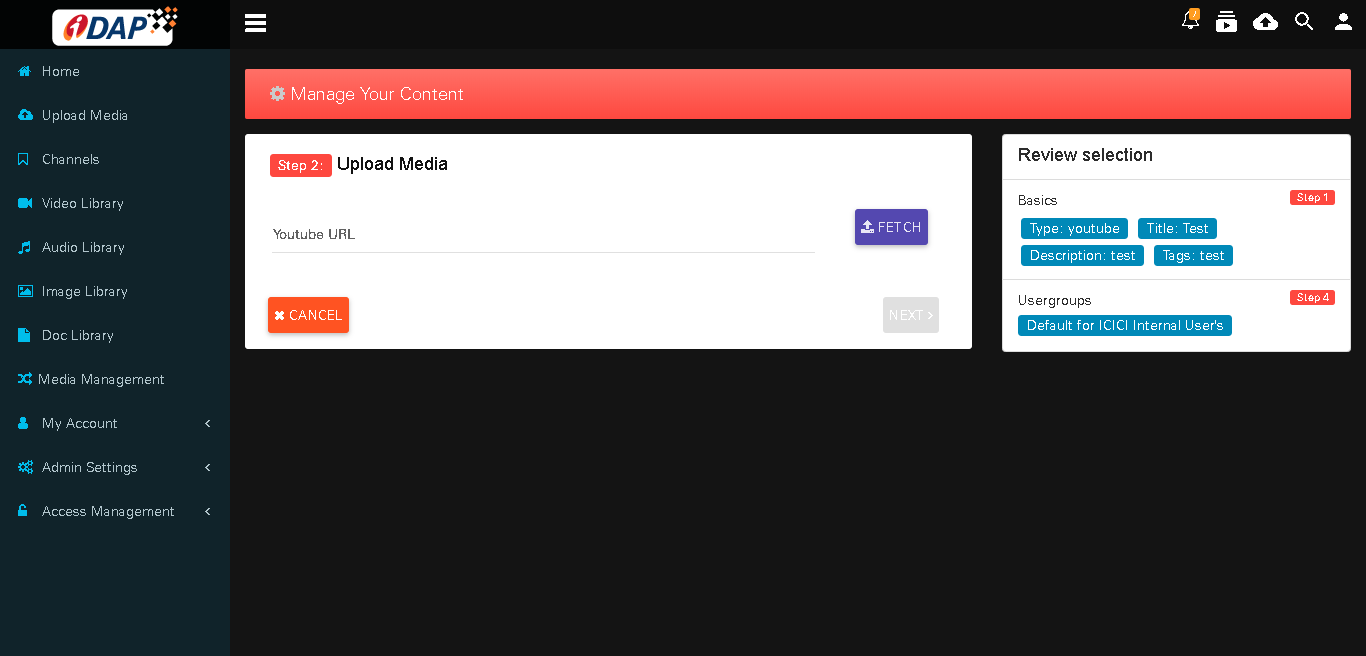
Paste URL of the video from Youtube in the window and click ‘Fetch Video’. All the relevant information is filled automatically in the fields.
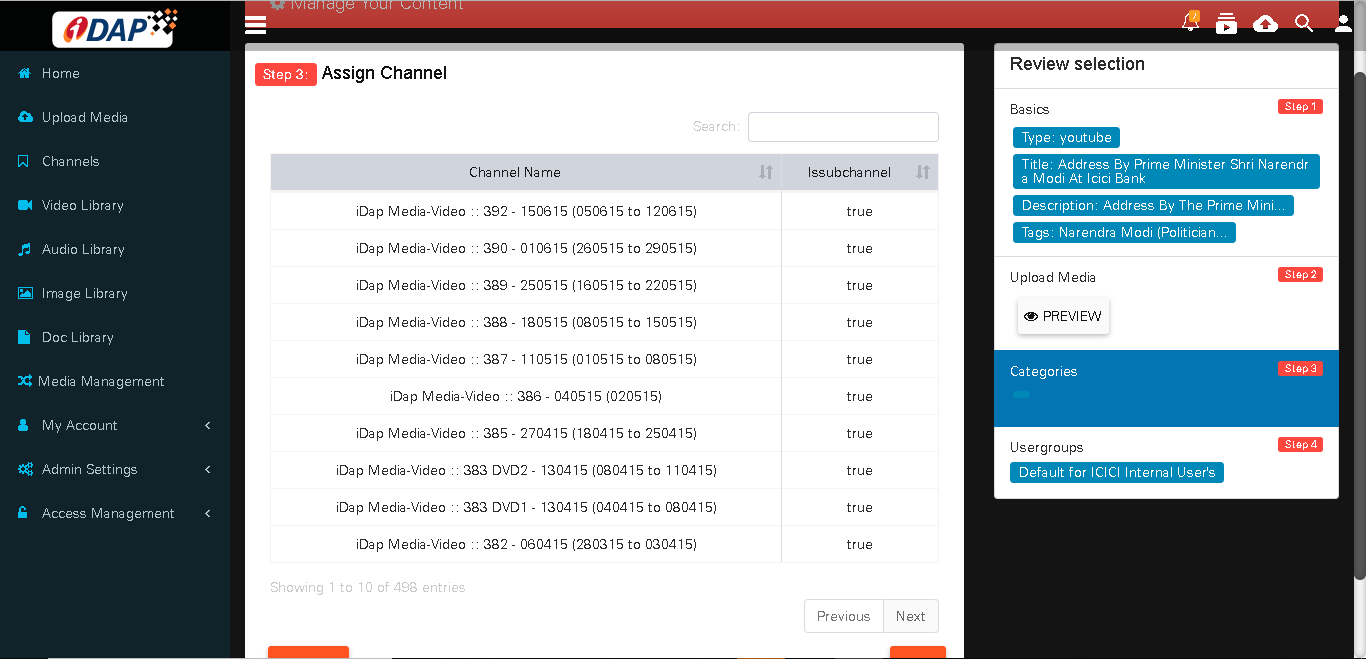
Select Channel in which the video is to be uploaded.
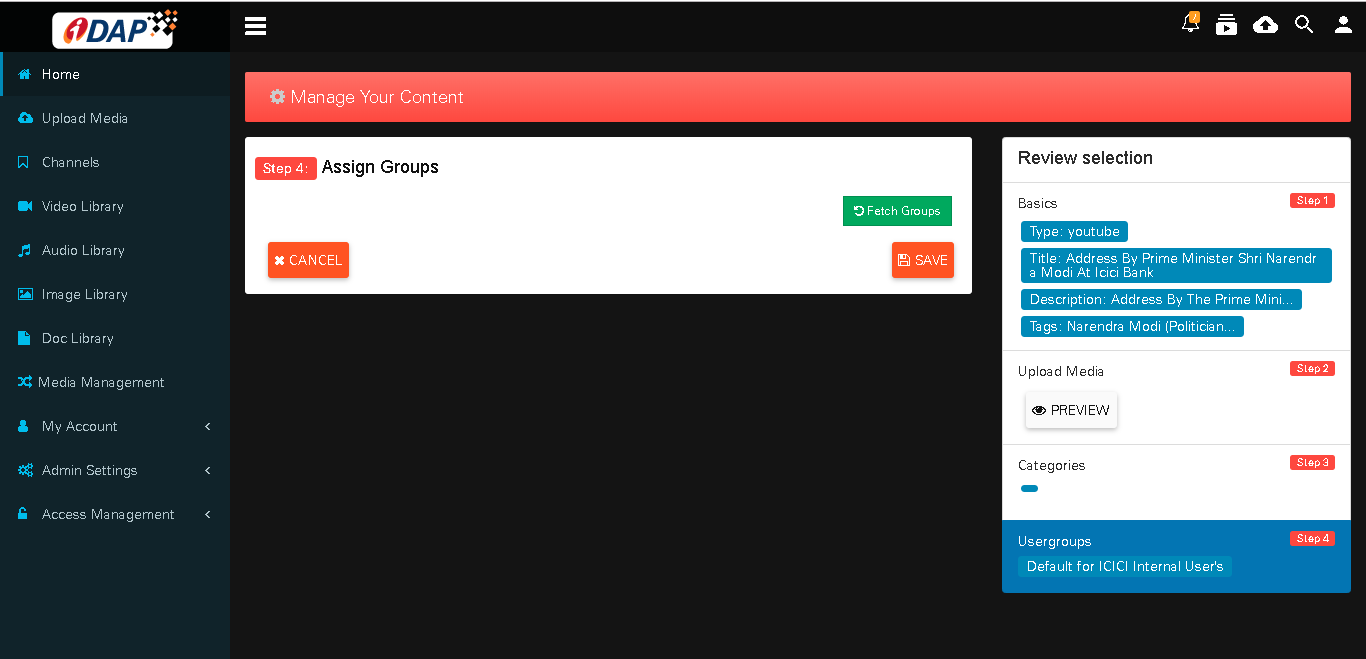
For selecting Groups click on Fetch Groups
Click on ‘Save’ icon.
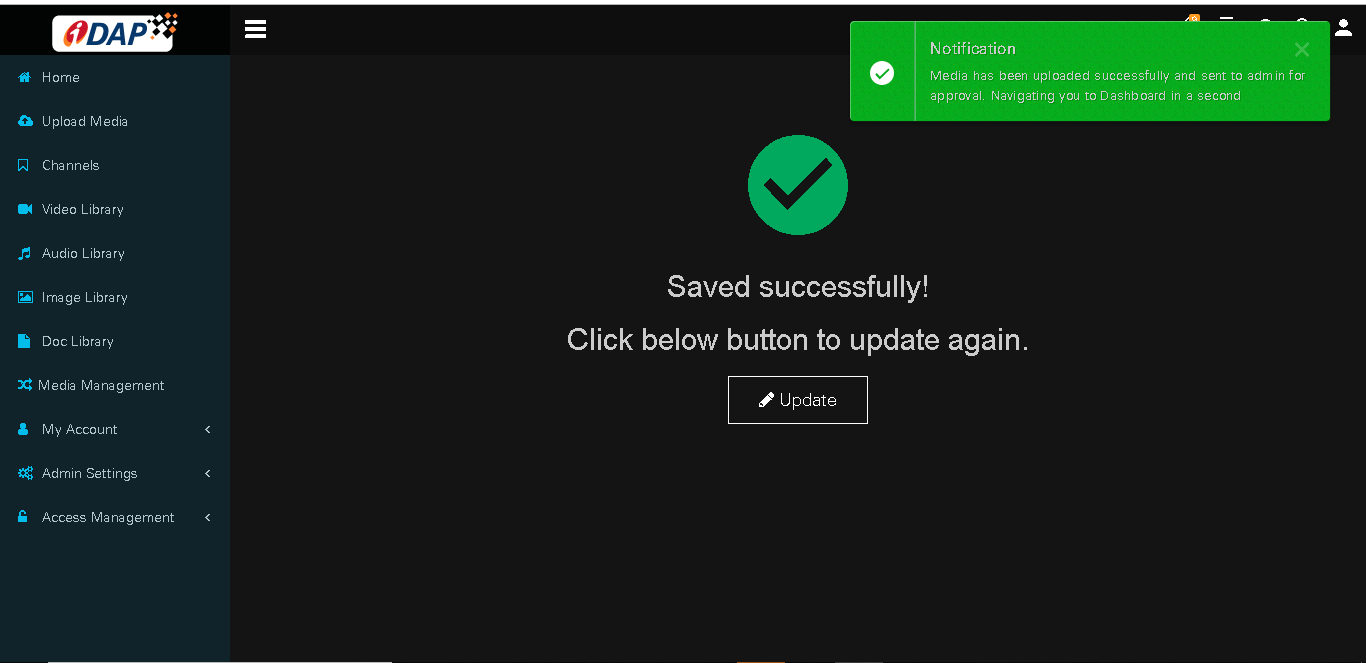
Pending To Approved
After the Youtube Video is uploaded it appears in My Media section in ‘Pending’ State.
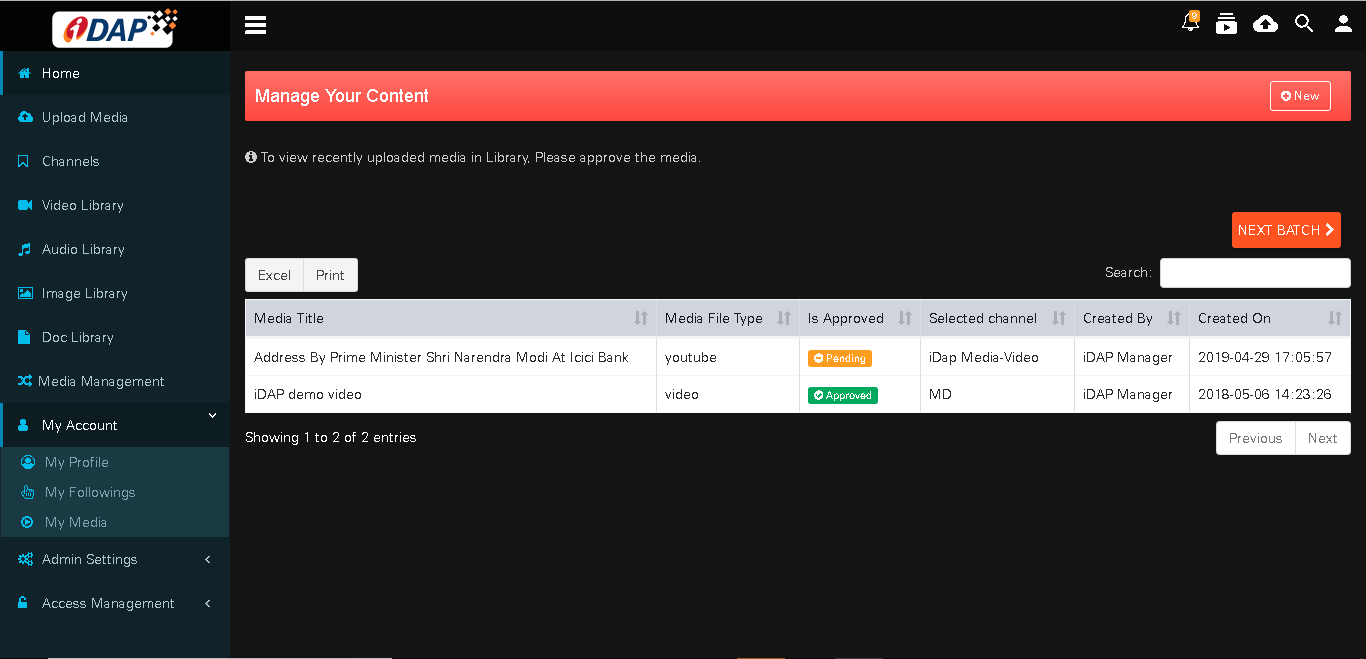
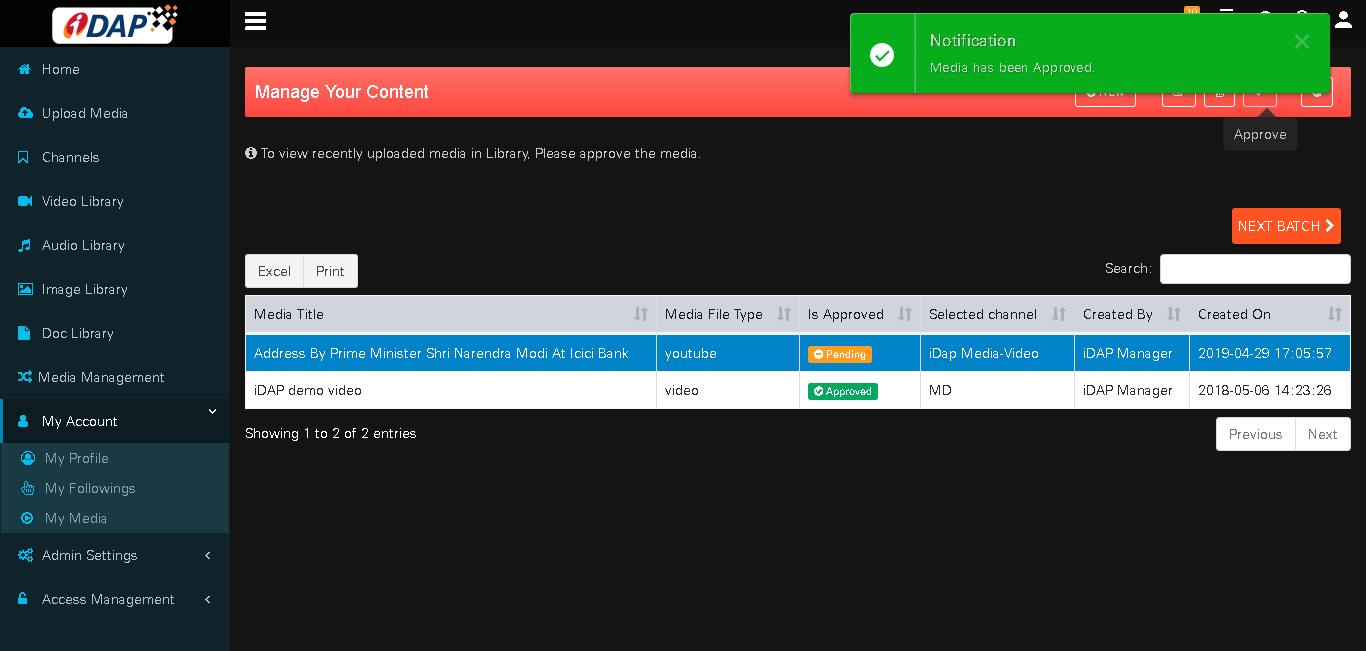
Admin can Approve the Video by clicking on approve button
Video display in Video Library.