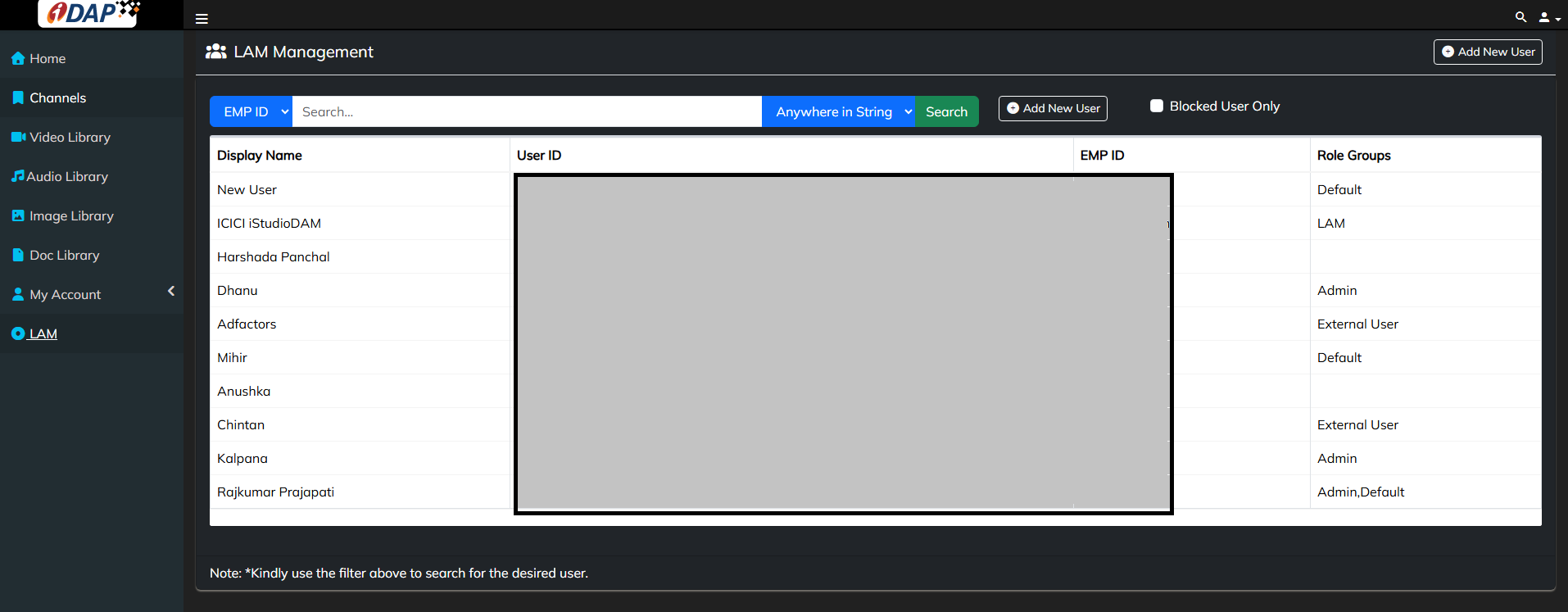
Add New User
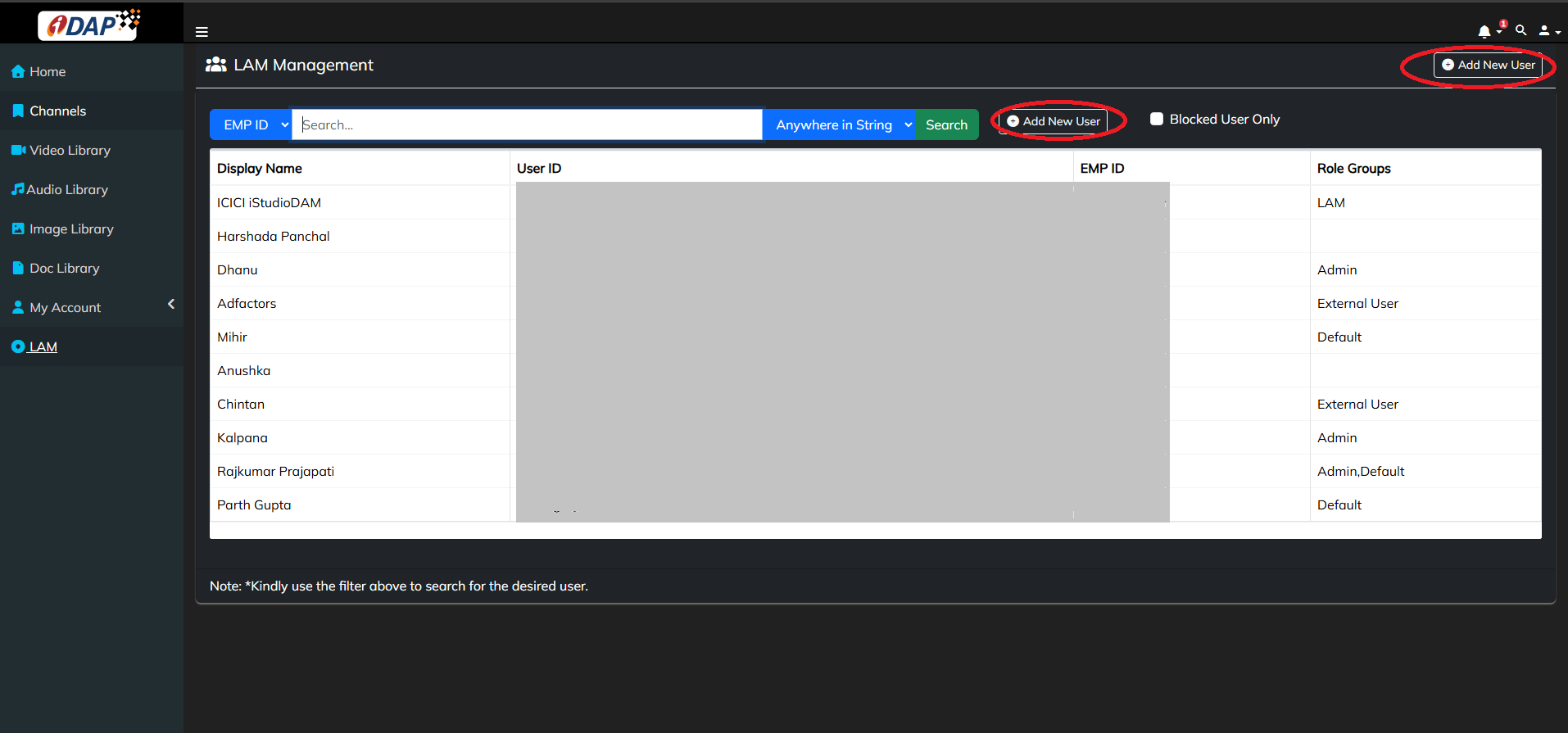
To add a new user, click on the LAM menu in the sidebar, then click the Add New User button. This will open a form where you can enter the user's basic details.
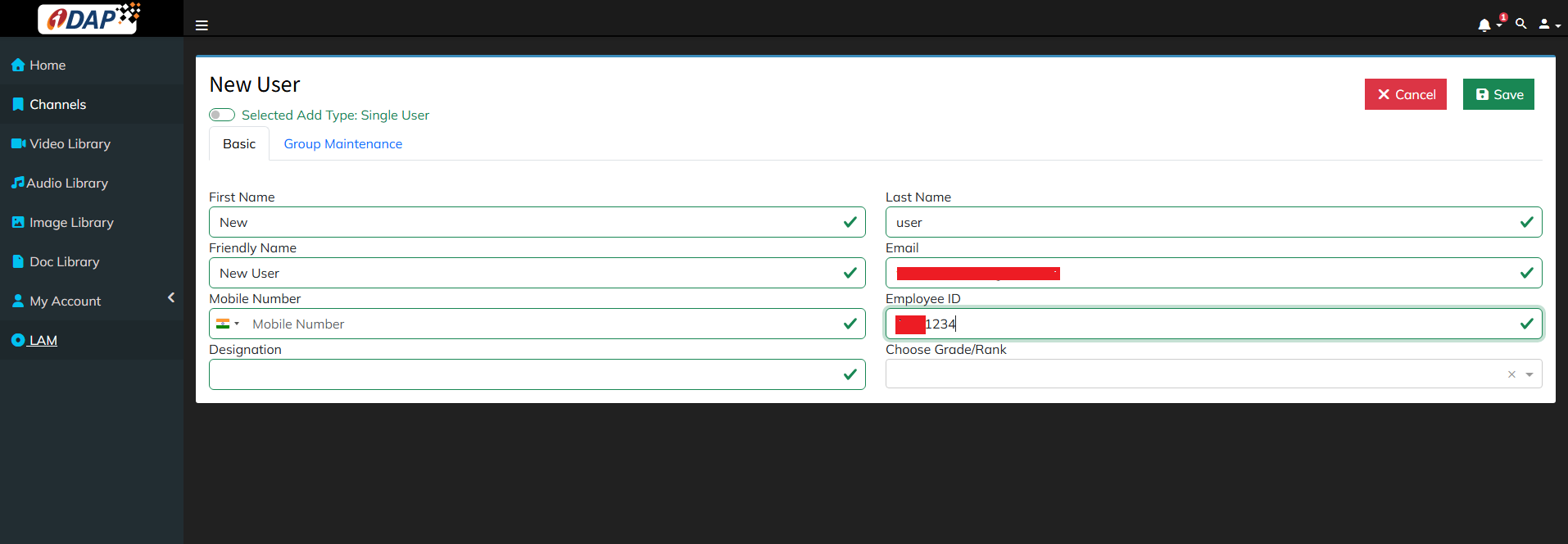
Fill basic details of user in Basic tab, then go to second tab i.e. Group Maintenance, to select Primary role group for the user
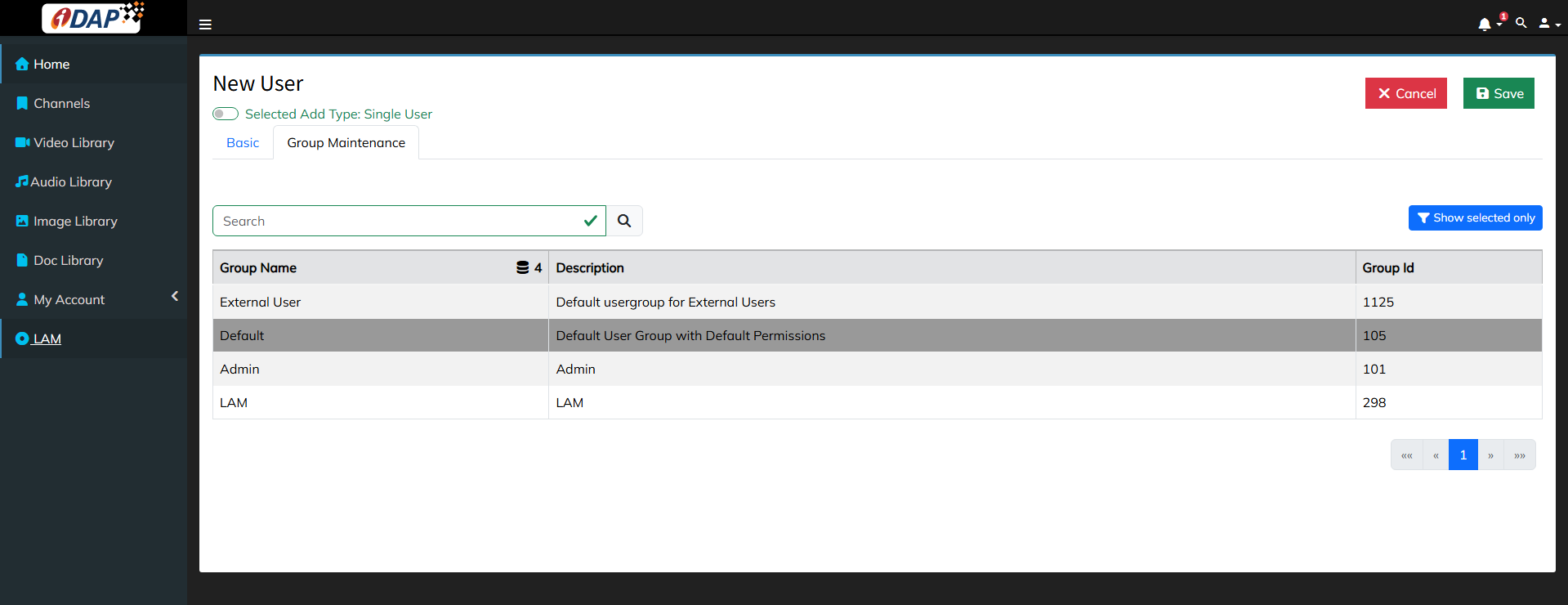
After entering the details, click the Save button to store the information. Once saved, the user will be redirected back to the LAM Management page.